

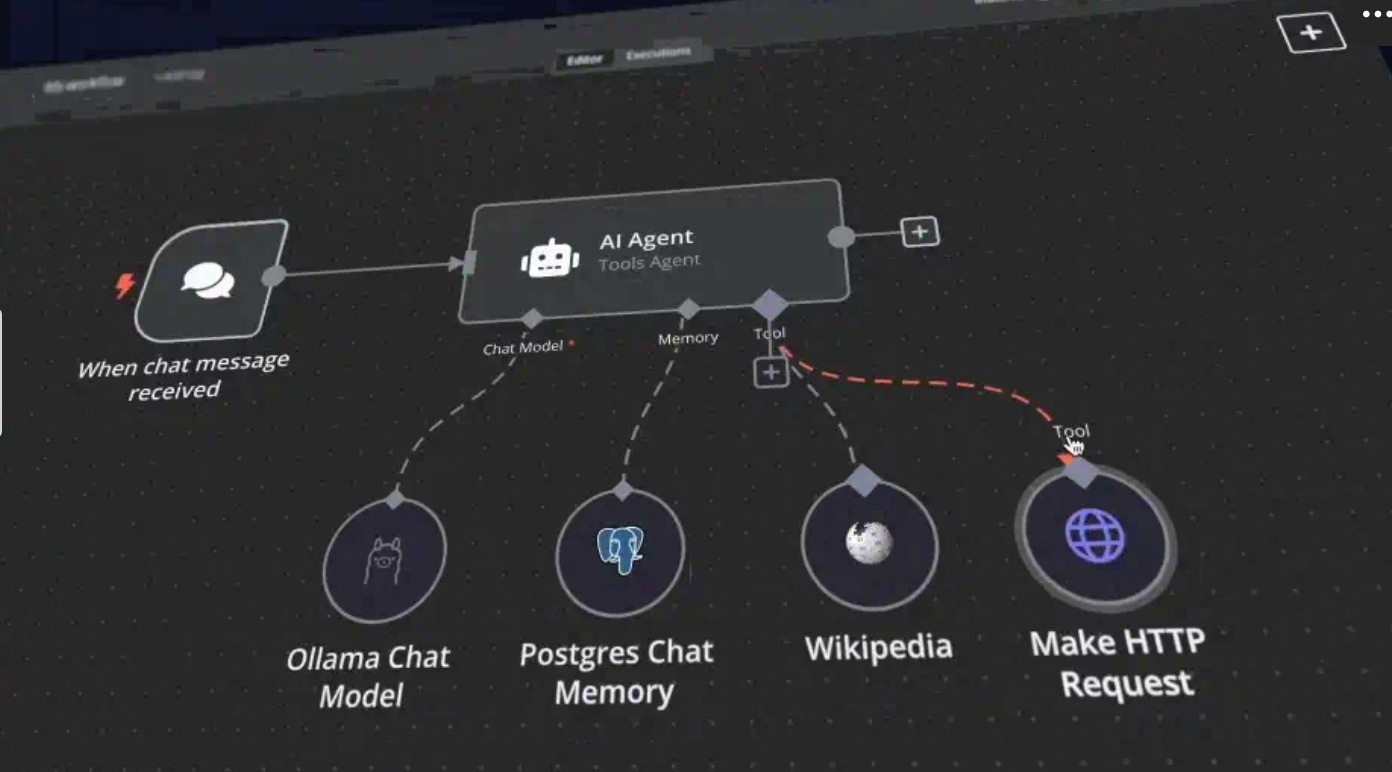
Note: This post represents one of the initial steps and just one possible method for interfacing with local language models.
Government teams want to experiment with AI. But two factors can make that challenging:
Cost: Cloud AI inference APIs cost money, with pricing often very opaque
Security: Extremely sensitive data can’t leave the building
Local language models can help solve both problems. No per-token bills. Nothing leaves your machine.
Local language models follow a pattern similar to the open source movement: free to use, free to tinker with, free to run on your own terms.
Local language models’ strategic advantages for public-sector AI
Beyond just data security, having sovereignty on your tech stack — including language models — allows you to not be beholden to a single frontier lab or cloud provider, with their accompanying price increases, deprecations, etc.
Especially if you’re not an expert in FedRAMP and other regulatory compliance, hosting language models locally simplifies compliance. Your data stays in your control.
Research shows that fine-tuned smaller language models outperform larger models on a series of tasks — even within government domains. This affords you flexibility to load models into memory quicker, generate responses faster, and continue to close the gap with frontier models.
I’d be remiss not to mention that there is a maintenance and update tradeoff. Fine-tuning, model versioning, and other MLOps is operational overhead if you are looking to expand beyond yourself.
What’s out there
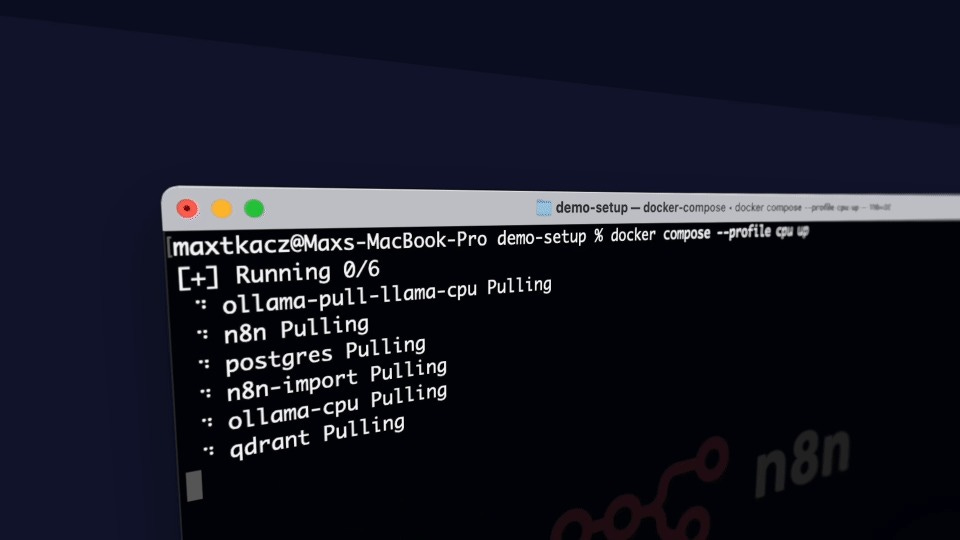
Some tools that make this easy to experiment with local language models include Ollama, n8n, and LM Studio.
To keep it simple, we’ll use the following:
Ollama is a way to serve language models locally, right from your own machine. Think of it as a local API server for open models.
n8n is a no-code workflow automation layer on top. You wire together nodes instead of writing scripts.
Put these two together, and you get 100% private, self-hosted AI agents and automation workflows. No paid cloud APIs. Everything processed locally.
Note: n8n has a self-hosted-starter-kit repository, but if you are on a Mac you cannot expose your GPU to Docker (similar to vLLM). It just takes a little more setup.
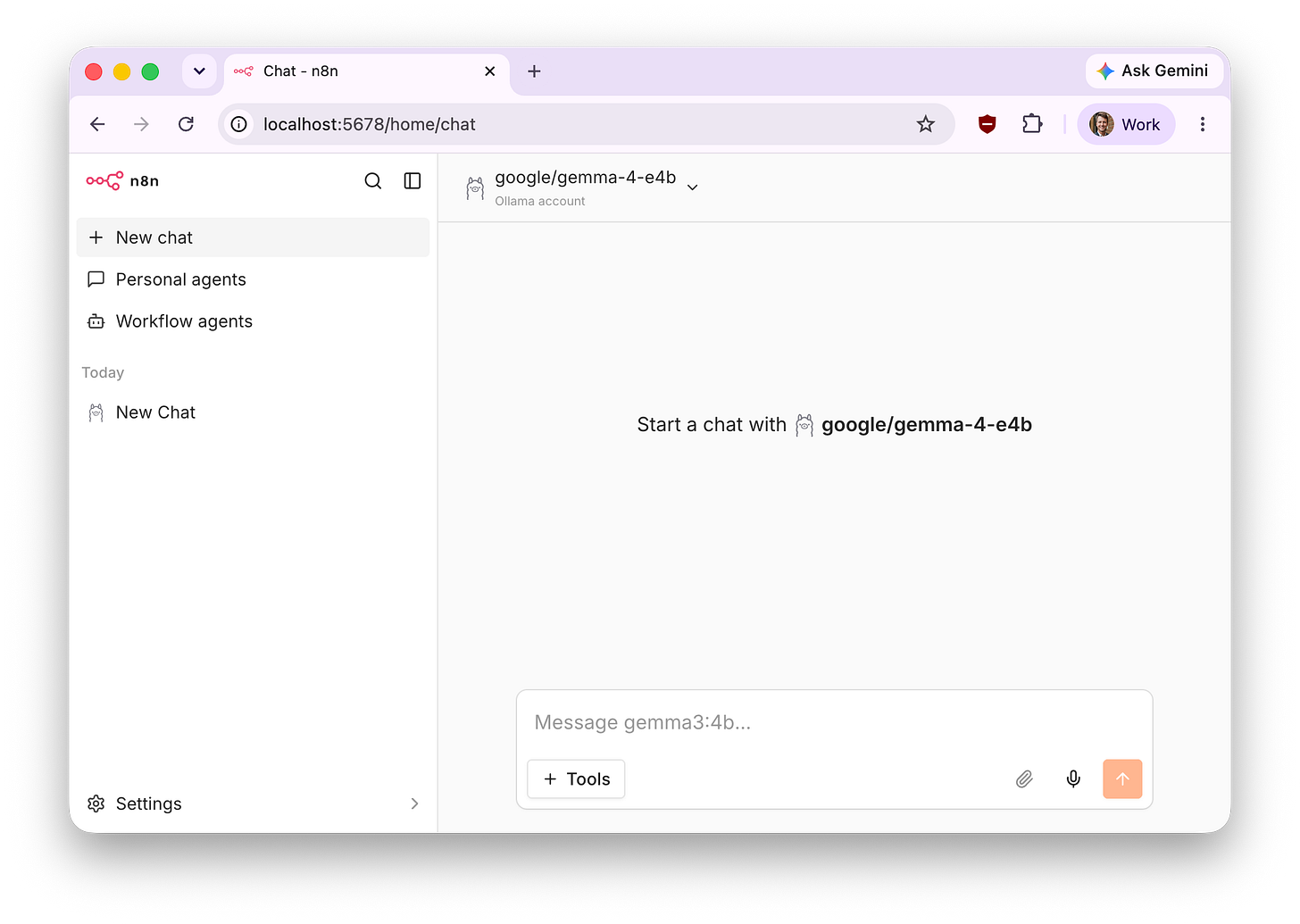
What I built
Back in June of 2025, I started prototyping with local language models on a new machine: a MacBook M4 Pro with 24 GB of RAM.
Both Ollama and n8n run in Docker, so I’m not too worried about a model going rogue and taking my machine offline (e.g. 370+ GB of data; deleting production databases; and more).
Some of the first automations I built are:
An email drafter
A Slack channel summarizer
A local document search, using RAG
An offline plain-language checker
See the GitHub repo here.
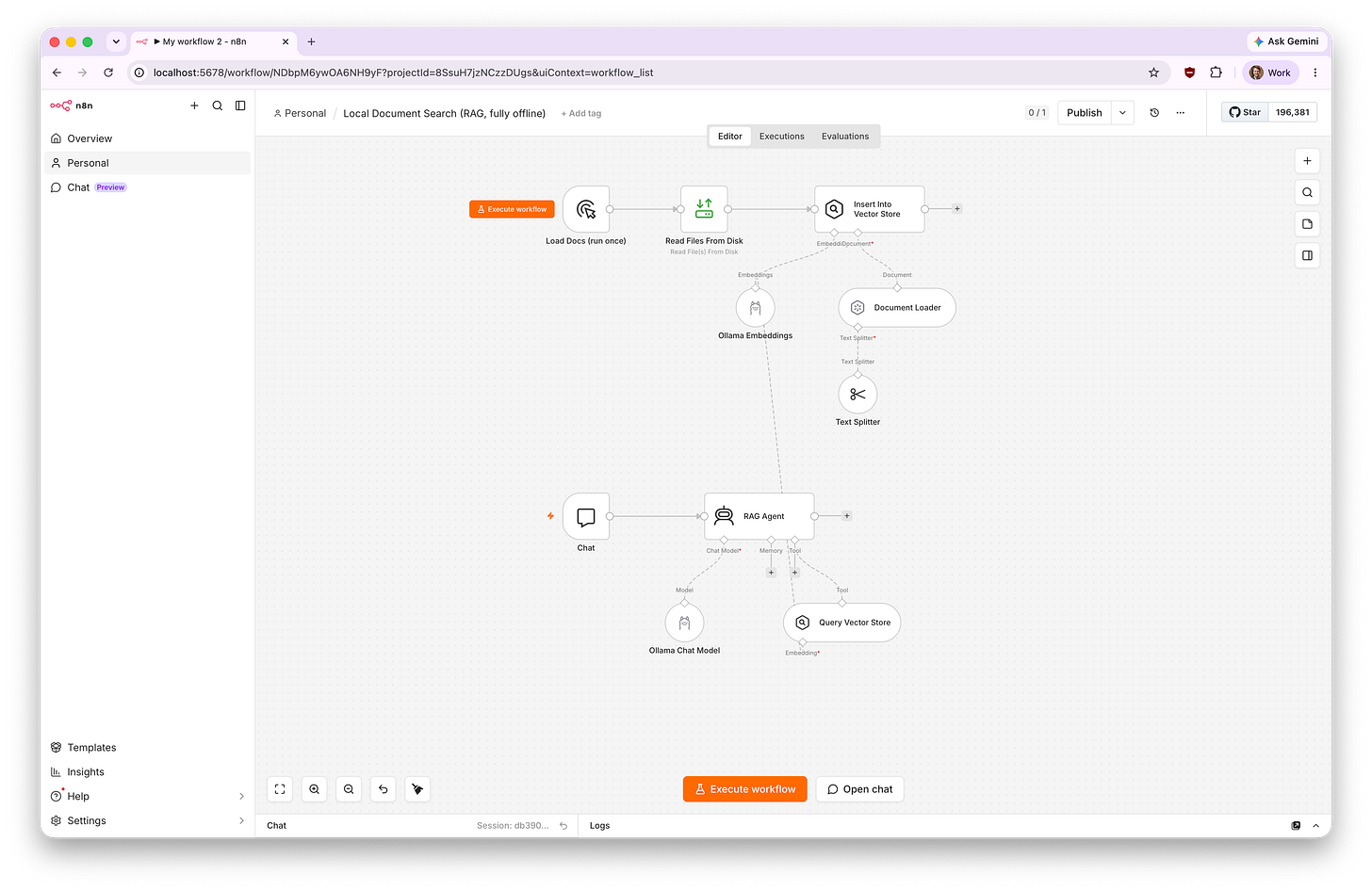
Anecdotally, for small, narrow tasks — like summarization, extraction, and classification — a well-prompted local model can perform quite well.
Where it is now and what’s next
This is extremely nascent. These are quick experiments, not production tools.
A few open questions I’m still working through:
How far local models can really go on more complex reasoning tasks with vector stores, multistep reasoning and acting, etc.
How well a small local model performs when fine-tuned on domain-specific documents versus a frontier model
Whether the setup holds up outside a single laptop (e.g. running on a server on-premise)
If you’re experimenting with local AI for public-sector work, I’d love to hear how it’s going. Comment below or reach us at labs@navapbc.com.